Quick driver scan
OutdatedMissingGenericMismatched
- Display adapterOutdated
- Audio deviceUp to date
- Network / Wi-FiMismatched
Reads every device Windows already knows about and flags outdated, missing, generic, or mismatched drivers in one pass.
Smart Tool to Keep Your PC Smooth, Fast, and Crash-Free
Scan your PC, back it up, and update only what needs it. One click undoes any change. No guesswork, no risk.
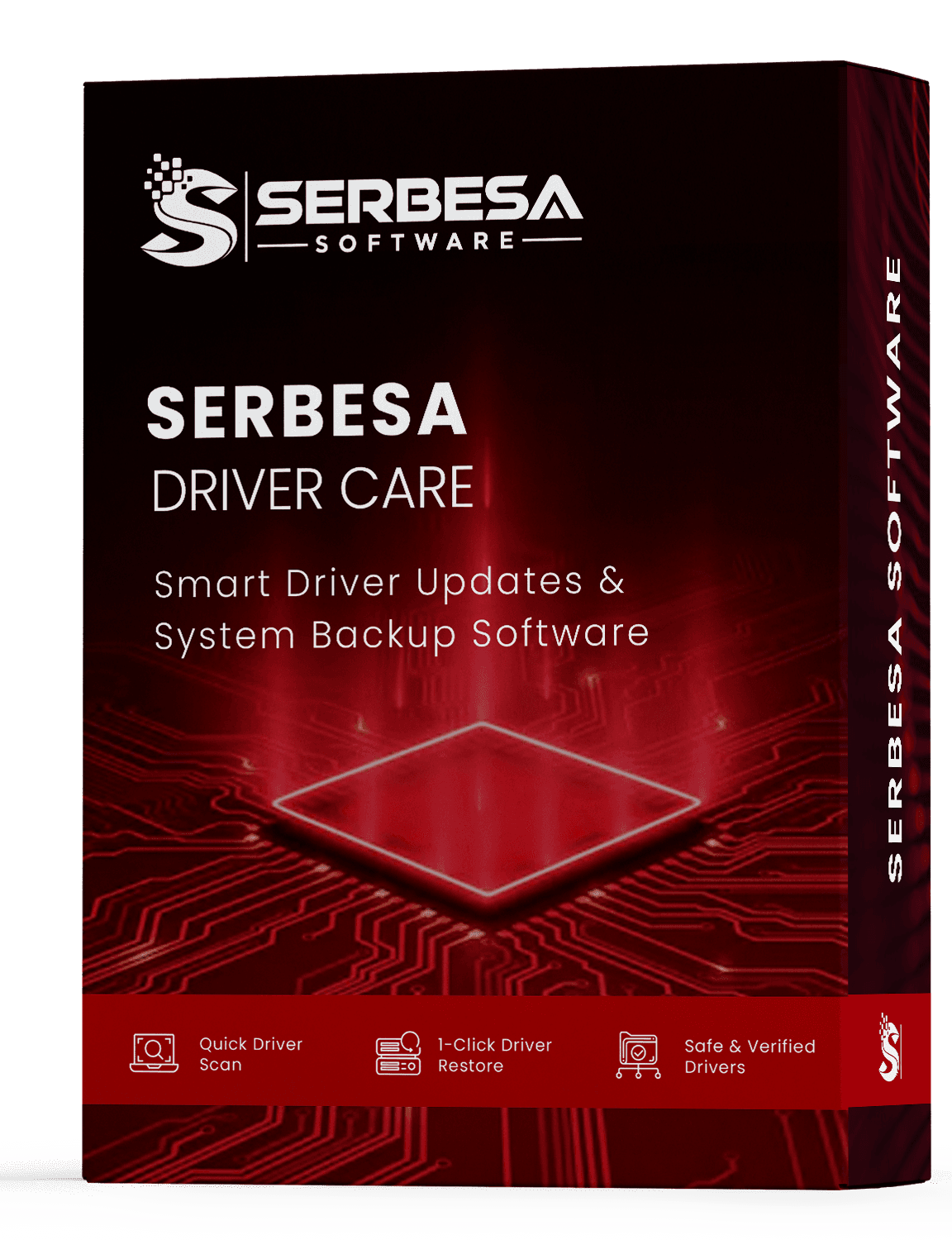
Driver problems can be difficult to track down. A missing update may show up as poor performance, lost sound, unstable Wi-Fi, crashes, or hardware that stops working as expected.
SERBESA Driver Care gives you a clear place to start. It scans your installed drivers, identifies those that need attention, and shows you what it finds before anything changes. Then it creates a backup and restore point before you approve an update.
Keeps drivers current for every major brand
SERBESA SOFTWARE LLC is an independent publisher and is not affiliated with or endorsed by these companies. Brand names are shown for compatibility reference only.
You shouldn't have to visit several manufacturer websites just to find out whether your PC needs a driver update. SERBESA brings the process together. Scan your system, review the results, protect your current setup, and update what makes sense.
Reads every device Windows already knows about and flags outdated, missing, generic, or mismatched drivers in one pass.
A full driver backup and Windows restore point are created before any file is replaced, so you always have a way back.
Reverse an update instantly. Return a single driver — or the last backup set — to a known-good state without hunting files.
Drivers come from reputable official sources. The installer is clean: no bundled toolbars, adware, or extras.
Set a daily, weekly, or monthly cadence. SERBESA checks quietly in the background and only alerts you when an update is worth it.
Graphics, audio, network, chipset, printers, storage controllers, Bluetooth, USB, and connected peripherals.
SERBESA keeps the process straightforward and gives you control before anything changes.
SERBESA checks the hardware and drivers installed on your Windows PC. The scan shows what is installed and highlights drivers that may need attention.
Before an approved update begins, SERBESA creates a driver backup and a Windows restore point. That gives you a clear way back if something doesn't work as expected.
Review the available updates and choose what you want to install. If an update creates a problem, use the restore option to roll it back. You choose what changes.
When a PC starts crashing, losing sound, dropping Wi-Fi, or running slowly, the hardware isn't always the problem. Drivers help the system communicate with your hardware. When a driver is outdated, missing, generic, or mismatched, it can contribute to problems with everyday use. SERBESA helps you check the driver side of the equation before you spend time replacing hardware or troubleshooting blindly.
Unexpected crashes, freezes, or blue-screen errors can sometimes happen due to driver conflicts or outdated drivers. SERBESA helps you identify drivers that may need attention and gives you a backup before you make changes.
Graphics and chipset drivers can affect how Windows and supported applications communicate with your hardware. Keeping compatible drivers current can help you avoid issues caused by outdated software.
Missing, outdated, or mismatched audio drivers can contribute to problems such as missing sound, interruptions, or devices that Windows fails to recognize correctly.
Wi-Fi, Ethernet, and Bluetooth rely on drivers to communicate with Windows. If connections become unreliable, checking the related drivers can be a practical troubleshooting step.
SERBESA Driver Care is designed for people who want a simpler way to manage PC drivers without turning driver maintenance into a technical project.
Keep your family desktop or laptop's drivers organized without searching for updates across multiple manufacturer websites.
A fresh Windows installation can leave some hardware using basic or generic drivers. SERBESA helps you review the installed drivers and identify those that may need attention.
Added a graphics card, printer, Wi-Fi adapter, or another device? Run a scan to check the rest of your system and identify other drivers that may need attention.
For a small number of Windows PCs, scheduled checks can make routine driver maintenance easier without requiring a full managed IT system.
SERBESA can check a wide range of Windows devices and components.
You shouldn't have to update drivers blindly. SERBESA shows you what's installed, highlights items that may need attention, and explains what will be backed up before an approved update begins.
Try a Scan on Your PCReview the devices Windows recognizes along with their current driver information, including version and installation details where available.
Drivers marked as outdated, missing, generic, or mismatched appear clearly in your scan results. You decide which updates to review and install.
Before an update begins, SERBESA creates the available backup and restore point. You know what protection is in place before you proceed.
Finding drivers manually can take time. You may need to identify your hardware, visit the manufacturer's website, compare versions, download the right package, and repeat the process for every device. SERBESA brings those steps together.
Driver updates can affect how your hardware works. SERBESA is designed around that reality. Before an approved update, it creates a driver backup and Windows restore point. If something doesn't work as expected, you can use the restore tools to reverse the change. You still control the process.
Read the Install & Uninstall GuideDriver packages come from official or reputable sources rather than random download sites or unofficial mirrors.
SERBESA creates a driver backup and restore point before an approved update begins.
No bundled toolbars. No adware. No unrelated software you didn't request. You can also uninstall SERBESA through Windows Settings whenever you choose.
Windows 11 through 7, a one-time $19.99 license with no subscription. After payment, your product key and setup file are delivered by email.
Get SERBESA Driver Care for $19.99 with a one-time license. You get access to driver scans, updates, backups, and restore features without a monthly or annual subscription.
Your purchase is processed through our authorized reseller, Dodo Payments. Once payment clears, your product key and official setup file are sent to your email.
Secure checkout • 30-day money-back guarantee
FAQ
Buying software for your PC should feel straightforward. Here are answers to the questions we hear most often.
Click Buy Now and complete the one-time $19.99 purchase through our secure checkout. After your payment is completed, we'll send your product key and official setup file to the email address you provide.
SERBESA is designed to keep driver management straightforward and controlled. The installer does not include bundled toolbars, adware, or unrelated software. Driver packages are obtained from official or reputable sources, and SERBESA creates a backup and restore point before an approved driver update.
You can use SERBESA's restore tools to roll back the affected driver. Because a backup is created before an approved update, you have a recovery option if the new driver doesn't work properly with your system.
SERBESA Driver Care supports Windows 11, Windows 10, Windows 8.1, and Windows 7. It supports both 32-bit and 64-bit systems.
SERBESA Driver Care costs $19.99 as a one-time payment. There is no subscription and no recurring charge.
After your payment is completed, your product key and official setup file are sent directly to your email. You don't need to rely on pop-ups or unrelated third-party download pages.
SERBESA can check many common Windows hardware categories, including graphics, audio, network and Wi-Fi, chipset, printers, scanners, Bluetooth, storage controllers, USB devices, and other connected peripherals. Coverage can vary depending on your hardware and Windows configuration.
Still have a question? Contact our support team at
support@serbesasoftware.comGive your Windows PC a safer, simpler driver routine. Scan your system. Review what needs attention. Back up before making changes. Restore when necessary. Get SERBESA Driver Care for $19.99 one-time, with no subscription.